
Features
- Use any MIDI hardware to control Pro Tools
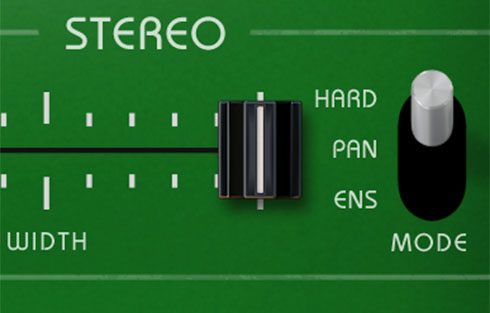
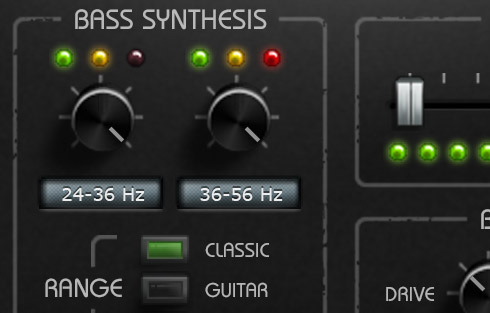
- Custom plugin mapping with up to 32 knobs and 32 buttons per page
- Expanded control over current track, automation, transport & more
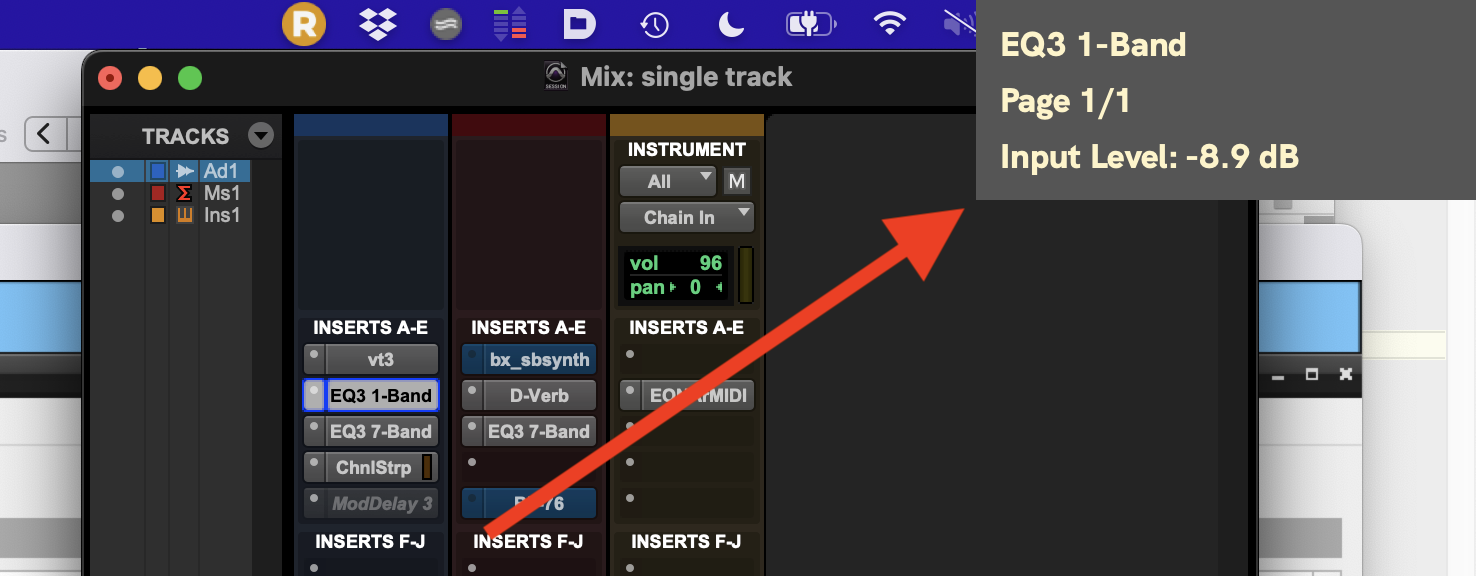
- Head-Up Display provides instant feedback for plugin control
- Compatible only with AAX plugins that have page table files
About
Mulligan is an app that empowers you to control Pro Tools™ using any MIDI controller. No special hardware is required!
As experienced engineers know, hands-on control makes for a faster and more intuitive workflow. Don’t be limited to controlling your plugins one click at a time with a mouse or trackpad. Mulligan helps you grab ahold of your mix in the way that only hardware can provide.
Infomercial
How Does It Work?
Mulligan is a standalone desktop application that acts as a translator between your MIDI controller and Pro Tools. MIDI sent by your hardware controller is interpreted by Mulligan's mapping engine into MIDI that Pro Tools will respond to. Pro Tools sees Mulligan as a MIDI Controller peripheral. Mulligan itself is not a plugin, and it does not depend on a plugin wrapper of any kind – it works with AAX plugins just as they are.
Fast & Flexible Mapping
Connecting your MIDI hardware to Mulligan is fast and easy. Our setup wizard walks you through the steps so you can be mixing in minutes.
Whether you have 4 knobs or 32, you can now put custom plugin mapping at your fingertips, scaled to work for controllers of all sizes.
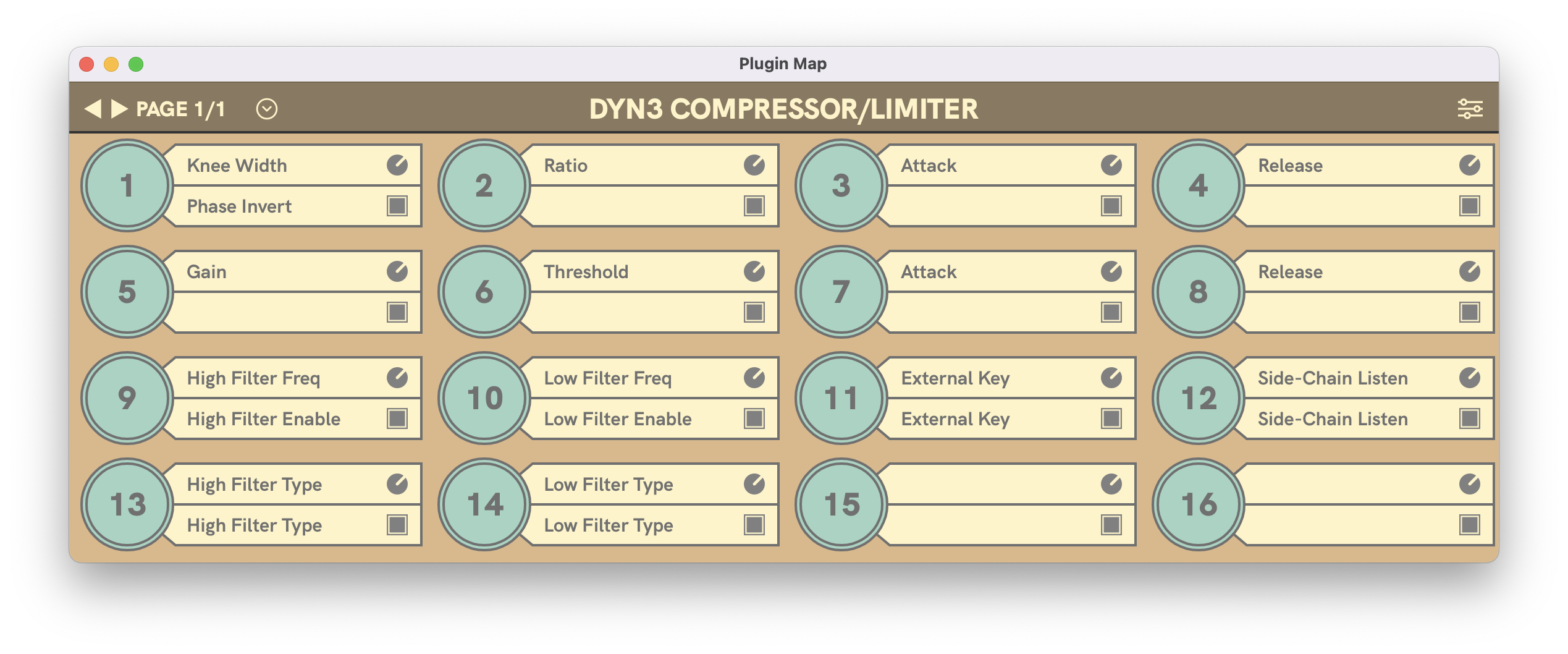
In addition to plugin control, Mulligan also enhances your workflow with a slate of controls for the current track (like track fader, solo, mute, pan, and sends), as well as commands for plugin navigation, track navigation, transport control, and jog wheel. You are free to assign as many of these commands as you find useful.
Head-Up Display
Mulligan provides a mini Head-Up Display (HUD) window. When enabled, the HUD automatically pops up in a corner of the screen to show the current plugin parameter being changed by your controller.
Stop Clicking And Start Mixing
You didn’t get into engineering just to stare at a screen and click a mouse. Mulligan lets you break through the interface barrier and start playing your plugins like the artist you are. So stop clicking, and start mixing...with Mulligan.
FAQs
- Which plugins is Mulligan 2 compatible with?
- Which MIDI controllers can I use with Mulligan 2?
- Can Mulligan 2 work alongside a HUI controller?
- Can Mulligan 2 work alongside a EUCON controller?
- I mapped a knob, but now the plugin parameter jumps around when I try to turn it. What went wrong?
- What kind of output does Mulligan 2 send to MIDI controllers?
Supported Systems
macOS: macOS version 10.9 (Mavericks) and higher. Runs native on Apple Silicon machines (M1, M2, etc).
Windows: Windows 10 only. (Mulligan itself works on Windows 11, but the free loopMIDI app we had recommended to create virtual MIDI ports does not work correctly in Windows 11. Until we find another free solution, it doesn't seem right to advertise Windows 11 compatibility.)
Note: Mulligan communicates exclusively with Pro Tools, and is not compatible with other DAWs. While you could technically run Mulligan in the absence of Pro Tools, that would be kind of silly.
Pro Tools Version Compatibility
We have tested Mulligan with Pro Tools versions going back as far as Pro Tools 10.3.6, and we can verify that it works with a wide range of systems. So even if your Pro Tools install hasn't been updated in ten years, Mulligan will still work with it!